
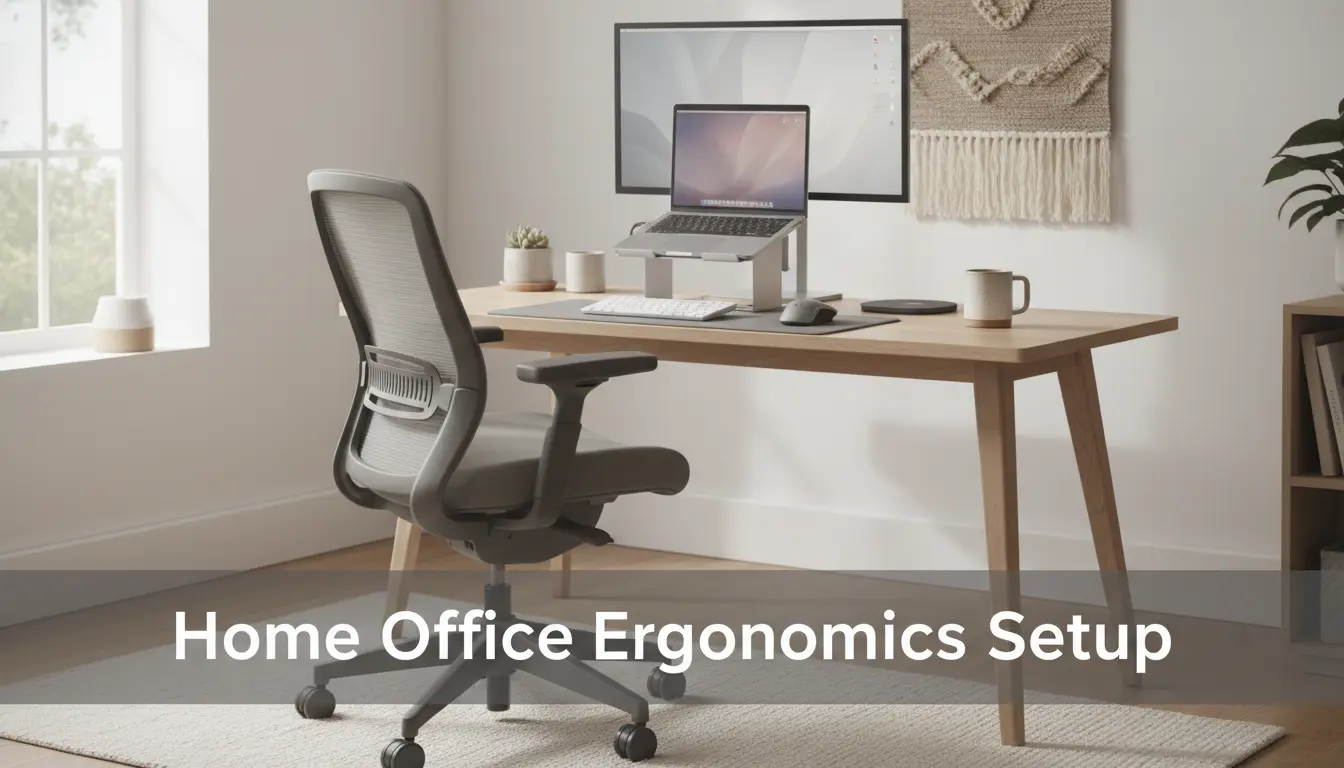
Why Home Office Ergonomics Matter
Simple ergonomic adjustments in a home office reduce discomfort and boost focus. Poor setup leads to neck and back pain, eye strain, and lower productivity.
Addressing ergonomics is a practical step you can take today to improve comfort and work quality without expensive equipment.
Basic Principles of Home Office Ergonomics

Good ergonomics aligns your body so muscles and joints work with minimal strain. Focus on three areas: posture, equipment placement, and movement.
These principles help you set up a sustainable workspace that supports long hours without pain.
Posture and Body Position
Sit with feet flat on the floor and knees at roughly a 90-degree angle. Keep your back supported and avoid slouching.

Keep shoulders relaxed and wrists straight while typing. Small daily fixes make a big difference over weeks.
Equipment Placement
Place your monitor so the top of the screen is at or slightly below eye level. This reduces neck flexion and strain.
Keep keyboard and mouse close enough that your elbows stay near your sides. Use a separate keyboard if you’re on a laptop a lot.
Checklist: Setup Steps for Home Office Ergonomics
- Chair: Adjustable height, lumbar support, and a comfortable seat depth.
- Desk: At elbow height when seated; standing desk if you alternate positions.
- Monitor: 20–30 inches from eyes; top of screen at eye level.
- Keyboard/mouse: Forearms parallel to floor; wrists neutral.
- Lighting: Even, indirect light to reduce glare and eye strain.
- Breaks: 5–10 minutes every hour to stand, stretch, or walk.
Measuring and Adjusting Your Setup

Use these quick measurements to tune your workspace. Small changes often provide immediate comfort gains.
Monitor Distance and Height
Measure roughly an arm’s length from your eyes to the screen, about 20–30 inches. Adjust monitor height so the top third of the screen is within your normal line of sight.
Chair Settings
Adjust seat height so your feet rest flat on the floor and knees are level with or slightly below hips. Use lumbar support or a rolled towel if needed.
Keyboard and Mouse Position
Keyboard should sit at elbow height with a slight negative tilt if possible. Keep the mouse close and at the same level to avoid reaching.
Ergonomic Accessories That Help
Not every accessory is required, but certain items solve common problems efficiently.
- Laptop riser or external monitor to raise screen height.
- External keyboard and mouse for better hand position.
- Footrest if your feet do not reach the floor comfortably.
- Standing mat if you use a standing desk for comfort during long periods on your feet.
Alternating between sitting and standing for short periods can reduce lower back pain and improve circulation. Aim for 15 minutes standing every hour when possible.
Daily Habits to Maintain Good Ergonomics
Ergonomics is as much about habits as hardware. Regular movement and mindful posture keep small issues from becoming chronic.
- Set a timer every 45–60 minutes to stand, stretch, or walk for 3–5 minutes.
- Do quick neck and shoulder rolls to release tension.
- Check your posture at the top of every hour and correct slouching immediately.
Quick Troubleshooting: Common Problems and Fixes
If you feel pain, identify where it starts and try targeted adjustments. Often simple swaps fix most issues.
- Neck pain: Raise monitor, lower reading material, or use a document holder.
- Wrist pain: Use a keyboard with a negative tilt and keep wrists straight; consider ergonomic mouse options.
- Lower back pain: Increase lumbar support or adjust chair depth; add movement breaks.
Real-World Case Study: Small Changes, Big Results
Case: Maria, a graphic designer who worked from a laptop at her kitchen table, had daily neck and shoulder pain.
Action: She added a laptop riser to bring the screen to eye level, connected an external keyboard and mouse, and switched to a chair with lumbar support. She also set a phone reminder to stand for five minutes each hour.
Outcome: Within two weeks Maria reported reduced neck pain and fewer headaches, and she could focus longer without discomfort. Her productivity increased because she spent less time adjusting her position or taking unplanned breaks.
Final Checklist Before You Start Work
- Feet flat, back supported, and knees at or below hip level.
- Screen at eye level, 20–30 inches away.
- Keyboard and mouse within easy reach; wrists neutral.
- Light is even and glare-free; take regular breaks.
Implementing these home office ergonomics steps takes 20–30 minutes and can save weeks of discomfort. Start with one change today: raise your monitor or adjust your chair. Small improvements compound into lasting comfort.