
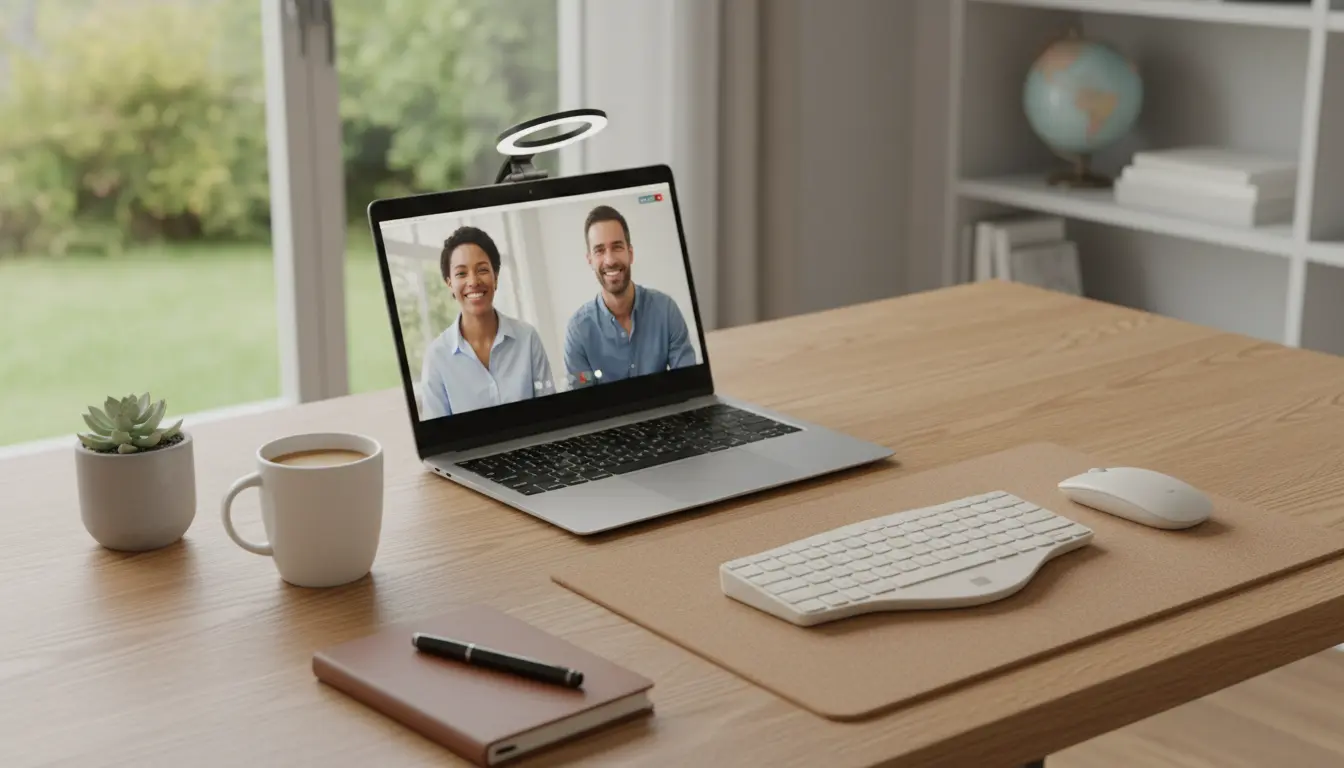
Why a good remote work setup matters
A remote work setup affects focus, comfort, and output. A clear, intentional setup reduces friction and decision fatigue so you can get work done faster.
Small changes to equipment, layout, and routines can produce measurable gains in productivity and wellbeing. This guide covers practical steps you can implement in days.
Core components of a remote work setup

Start with three core components: hardware, workspace, and routines. Each piece supports productivity in a different way.
Hardware and tools for a remote work setup
Choose reliable tools that remove daily interruptions. Prioritize comfort and performance over novelty.
- Computer: A machine with enough RAM and an SSD for smooth multitasking.
- Monitor(s): At least one external monitor, 24 inches or larger for most workflows.
- Keyboard and mouse: Ergonomic choices reduce strain over long sessions.
- Headset or speakers: Clear audio for calls and focus-enhancing background sounds.
- Uninterruptible power supply (UPS) or surge protector: Protects work during outages.
Workspace essentials
Your workspace should support long stretches of focused work and quick transitions to calls or collaboration.
- Desk: Stable surface at a height that allows elbows at ~90 degrees.
- Chair: Adjustable lumbar support to maintain posture.
- Lighting: A mix of natural and task lighting to reduce eye strain.
- Cable management: Reduces clutter and distraction.
How to arrange your remote work setup for focus

Layout decisions influence how easily you move between tasks. A simple, repeatable layout speeds up transitions and reduces context switching.
Primary monitor placement
Place your primary monitor directly in front at eye level to avoid neck strain. If you use two monitors, a single large ultrawide or a primary central monitor with a secondary to the side works well.
Ergonomics and posture
Set chair height so feet rest flat on the floor and knees are about level with hips. Use keyboard and mouse positions that keep wrists straight and shoulders relaxed.
Daily routines that fit your remote work setup

Routines create predictable structure. Combine environmental setup with time management techniques for consistent output.
Morning and end-of-day rituals
Start by preparing your workspace: open necessary apps, check calendar, and close irrelevant tabs. End your day by clearing tasks and leaving the desk tidy to ease tomorrow’s start.
Time-blocking and breaks
Use time blocks of 60–90 minutes focused work followed by 10–20 minute breaks. Physical movement and brief screen breaks restore cognitive energy.
Troubleshooting common remote work setup problems
Problems often stem from equipment, environment, or habits. Identify the root cause before investing in new gear.
- Noise and interruptions: Try noise-cancelling headphones or a white-noise machine.
- Poor camera/audio quality on calls: Upgrade microphone or use an external webcam.
- Discomfort over long sessions: Add a monitor riser or invest in a better chair.
Connectivity and performance
Check ISP speed and use wired Ethernet where possible for stable connections. Close background apps that consume bandwidth during meetings.
Small ergonomic improvements, like a laptop riser or an external keyboard, can reduce neck and shoulder pain by up to 50% for remote workers, according to workplace health studies.
Case study: How a marketing manager improved output with a remote work setup
Background: A marketing manager struggled with long workdays, frequent context switching, and low meeting productivity. The team faced delays on campaign deliverables.
Changes made: The manager added a second monitor, moved to a dedicated corner with consistent lighting, and implemented 90-minute focus blocks. Meetings were limited to 30 minutes with clear agendas.
Results: Within four weeks, the manager reported a 25% reduction in time spent on routine tasks and faster turnaround on campaign approvals. Team feedback noted clearer meeting outcomes and fewer follow-up emails.
Practical checklist to set up your remote workstation today
- Choose a desk and chair that support good posture.
- Add an external monitor or laptop riser for eye-level viewing.
- Use an external keyboard and mouse to improve comfort.
- Set up lighting to reduce glare and eye strain.
- Define two core routines: start-of-day and end-of-day rituals.
- Block work time and schedule regular breaks.
- Test internet speed and prefer wired connections for meetings.
Conclusion: Small changes, big impact on remote work setup
A practical remote work setup balances equipment, environment, and routines. Start with low-cost changes and iterate to find what supports sustained focus.
Measure changes by tracking time spent on deep work, energy levels, and task completion. Improving setup is an ongoing process that yields predictable productivity gains.